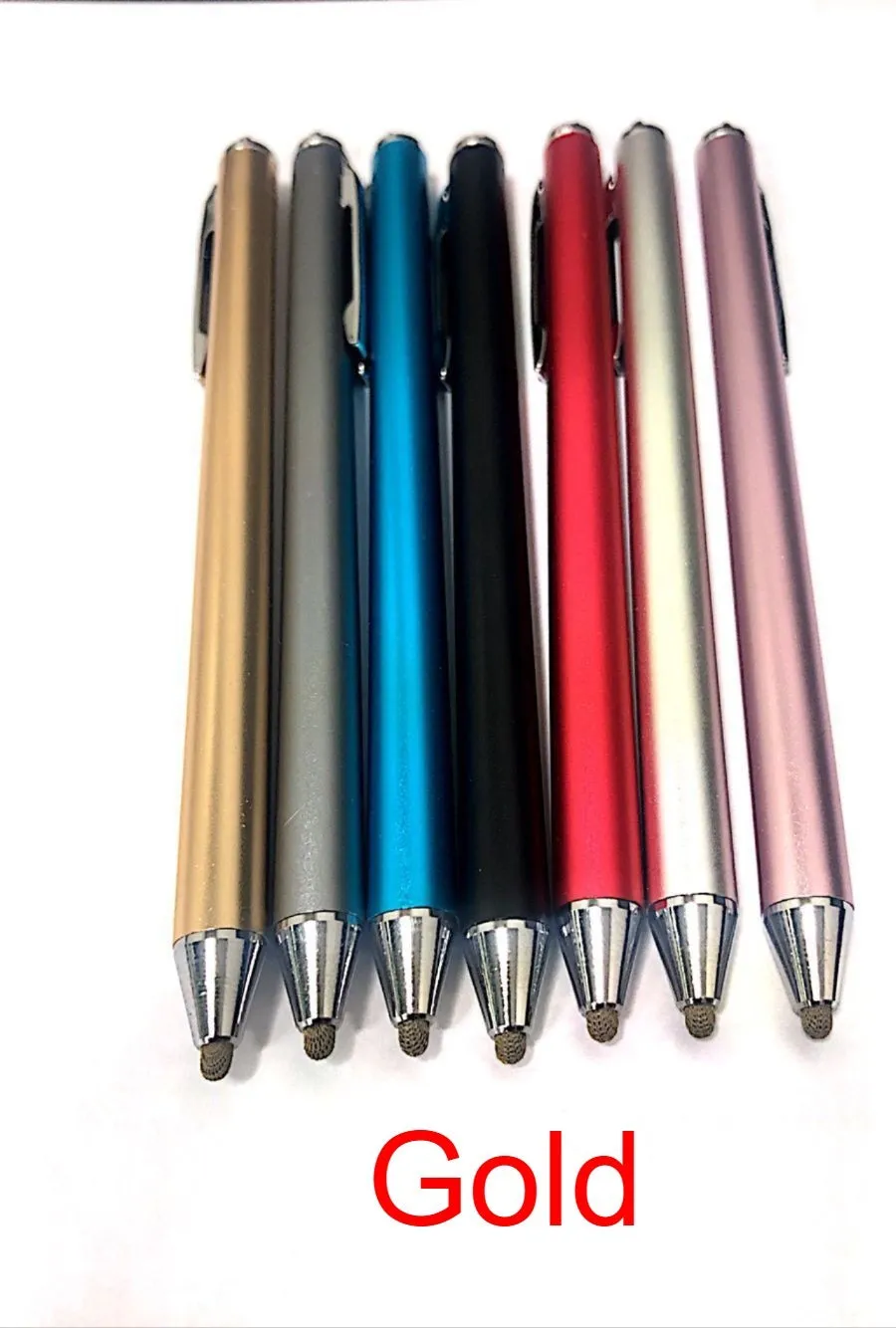
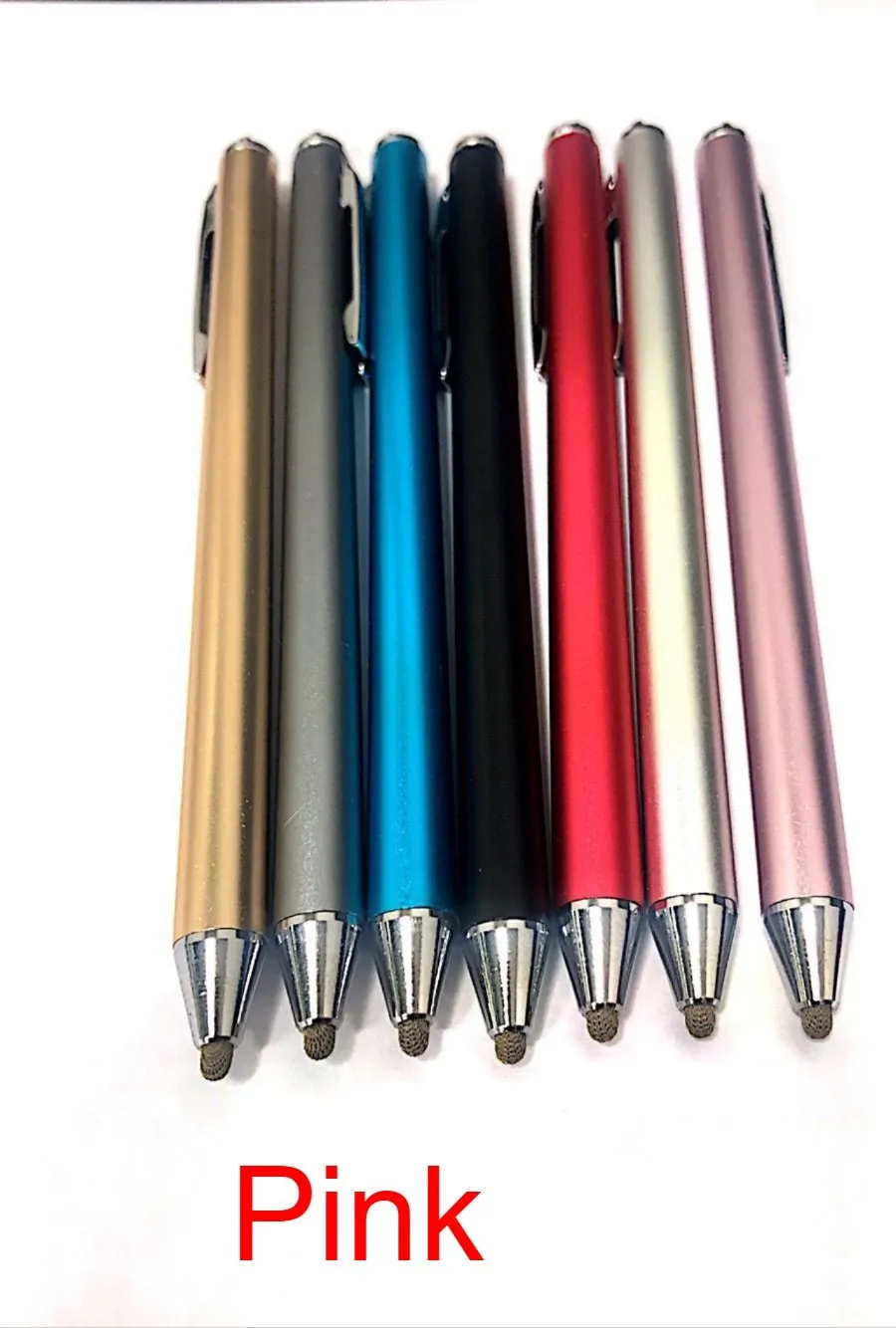
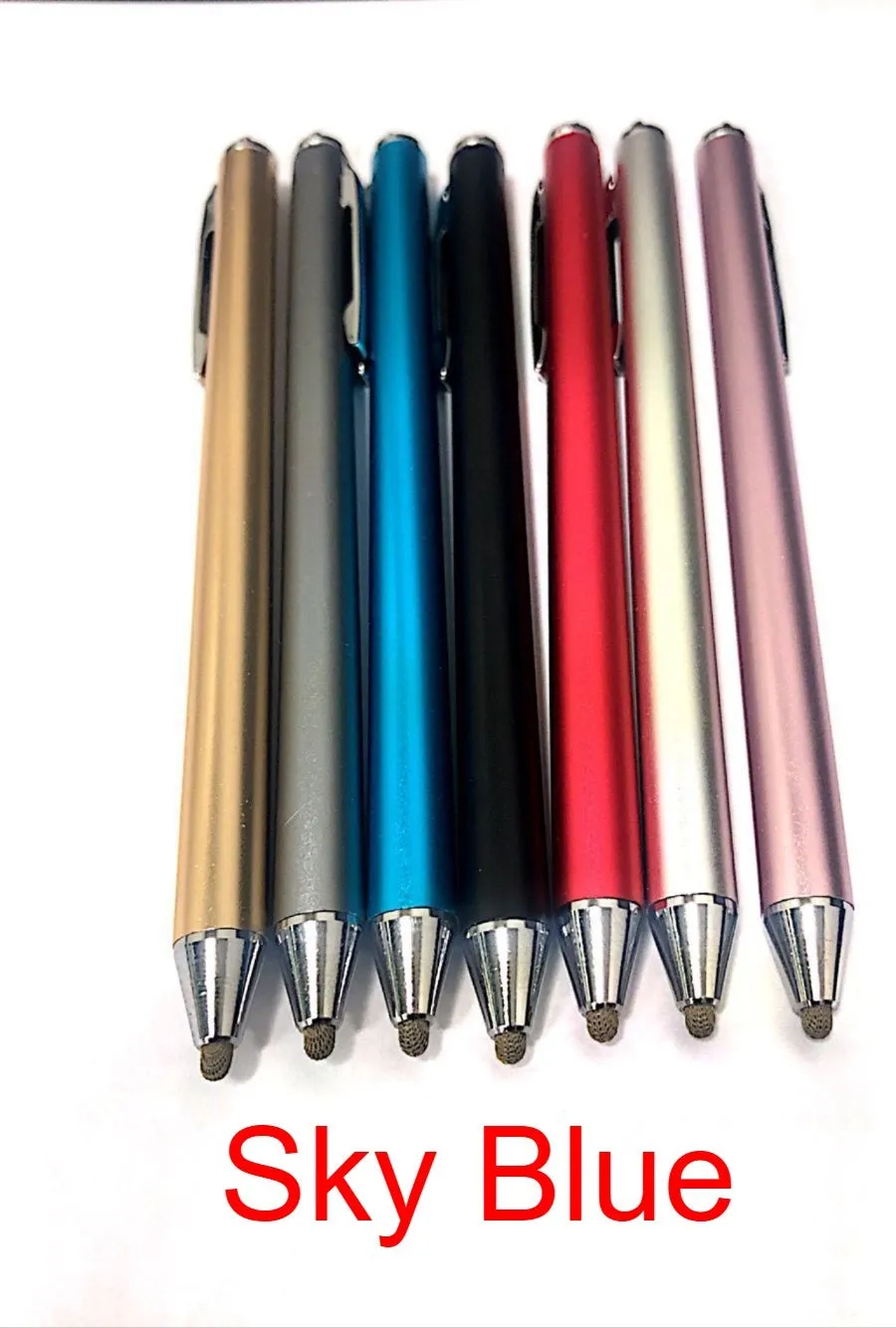
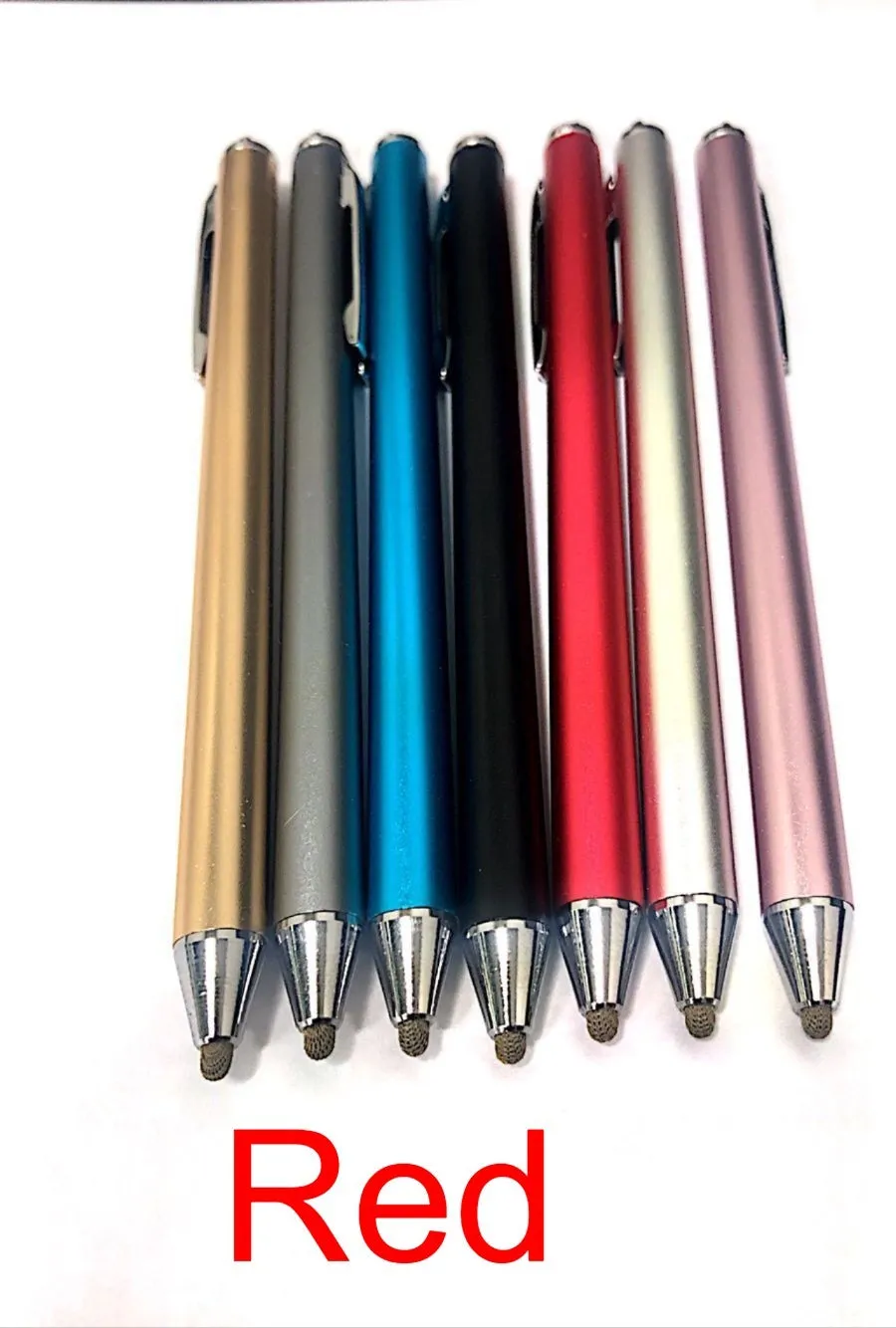
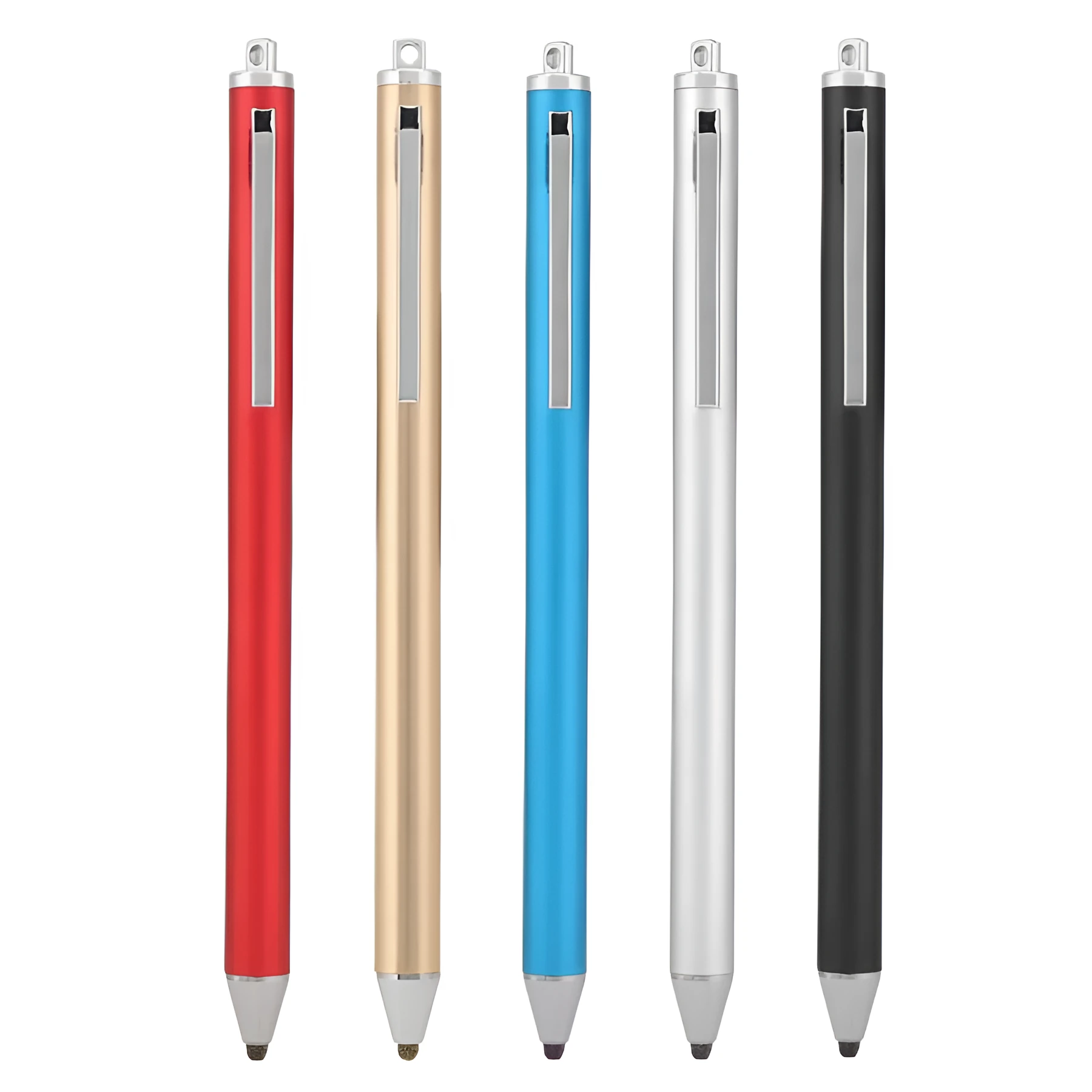
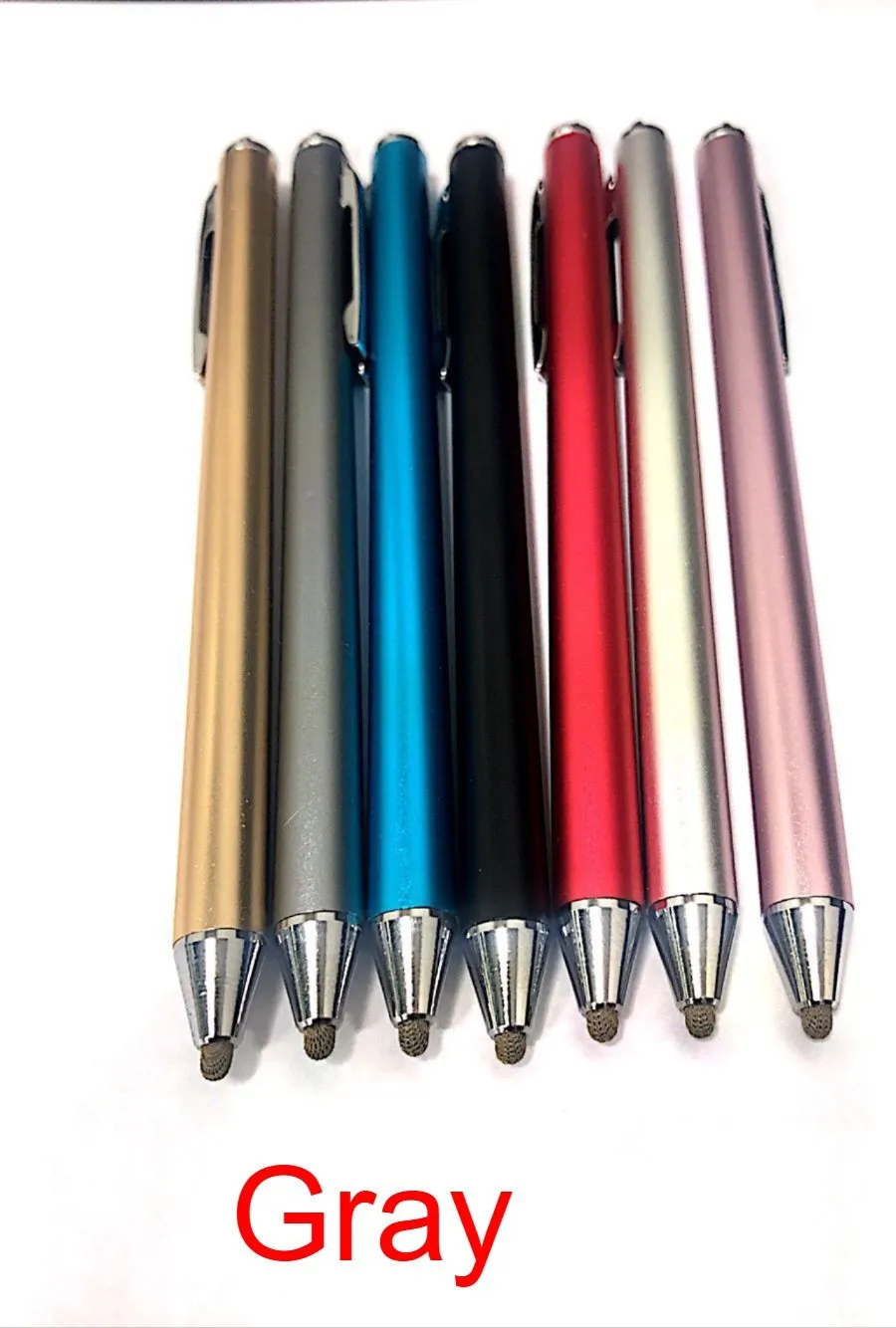
Stylus for domestic mobile phone, computer, and tablet PC with fine head for touch screen painting, available in seven colours including black, silver, red, sky blue, gold, pink, and grey with a metal shell construction.


Stylus for domestic mobile phone, computer, and tablet PC with fine head for touch screen painting, available in seven colours including black, silver, red, sky blue, gold, pink, and grey with a metal shell construction.
Fine Head Stylus for Mobile Phones, Tablets and PCs in Seven Metal Shell Colours

This stylus offers a straightforward tool for interacting with the touch screens on your domestic electronic devices, including mobile phones, computers, and tablet PCs. Its fine head is suited for tasks that benefit from more accuracy than a fingertip, such as detailed drawing, note-taking, or precise menu navigation. A key practical advantage is its simplicity: it requires no charging, no batteries, and no Bluetooth pairing, allowing you to start using it immediately. With a selection of seven distinct colours and a metal shell construction, it provides both functional utility and a degree of personalisation for your digital toolkit.
Features and Construction
This stylus is designed around core features that address basic touch screen input needs. The construction and available options are focused on delivering a reliable, no-fuss pointing device for a variety of screens.
Material and Build
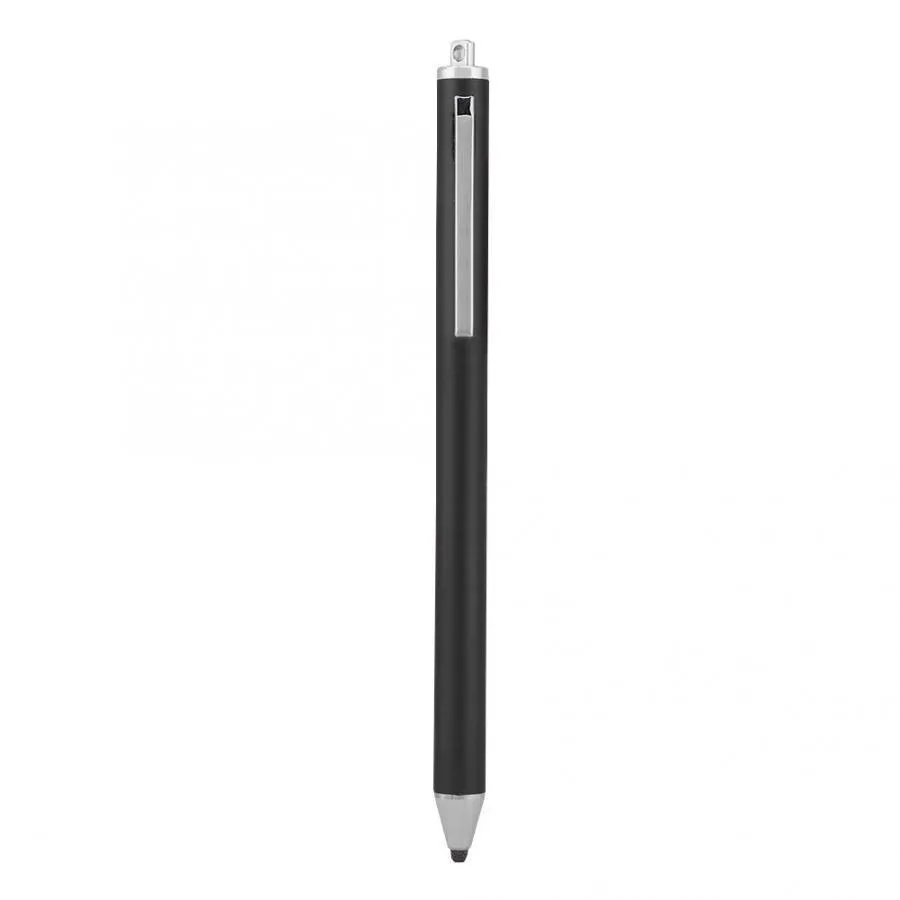
The external casing of the stylus is made from metal, contributing to its overall sturdiness and giving it a weightier, more substantial feel in the hand compared to all-plastic models. This metal shell helps to protect the internal tip mechanism from casual impacts. The stylus tip itself is described as fine, which is intended to provide a smaller contact point on the screen for more controlled input.
Size and Practical Fit
While specific length and diameter measurements are not provided, the product is designed as a handheld stylus compatible with standard capacitive touch screens found on phones, tablets, and many laptops. The fine head suggests it is geared towards users who perform activities like digital sketching or detailed navigation where a precise point of contact is beneficial. The lack of charging requirements means its usability is not dependent on battery life, offering consistent performance.
Uses and Placement
The stylus serves as a general-purpose accessory for touch-enabled devices. Its application is broad, covering both creative and utilitarian tasks across different devices in domestic, educational, or casual professional settings.
Event or Professional Use
In scenarios like presentations, meetings, or educational sessions where you need to annotate documents or diagrams on a tablet or interactive screen without leaving fingerprints, this stylus provides a clean, precise alternative. Its no-charge operation means it is always ready to use, eliminating the worry of a dead battery during a critical moment. The metal construction can lend it a more professional appearance compared to basic plastic styluses.
Everyday Home Use
For daily use at home, the stylus is a practical tool for browsing the web, playing games, or navigating apps on your tablet or smartphone, potentially reducing smudges on the screen. It can be particularly handy for older users or anyone who finds using a fingertip for small icons or links cumbersome. The choice of seven colours allows it to be matched to your device's colour or simply chosen as a personal preference.
Benefits and Buying Value

The value of this stylus lies in its simplicity, immediate usability, and the practical options it provides. It is positioned as an accessible accessory that solves specific interaction challenges with touch screens.
Reuse and Low Maintenance
As a passive device with no internal electronics to charge or pair, the stylus has a very straightforward lifecycle. It can be used continuously without downtime for charging, and its metal shell is likely to withstand daily handling better than softer plastics, potentially extending its usable life with basic care. Maintenance involves simply keeping the fine tip clean and storing it safely to prevent damage.
Why Choose This Product
This stylus is a suitable choice if you need a reliable, instant-use tool for precise touch screen input across multiple devices. The combination of a fine tip for accuracy, a metal shell for durability, and a wide colour selection for personalisation addresses several common considerations in a single product. It eliminates the complexity of managing battery levels or connectivity, offering a consistently available solution for drawing, writing, or navigating on your phone, tablet, or PC.