
Computer desktop switch main box with on/off button, reset button, and indicator lights for internet cafes, offices, hotels, and home use, featuring a 1.6 metre cable length and black and red colour plastic and metal construction.


Computer desktop switch main box with on/off button, reset button, and indicator lights for internet cafes, offices, hotels, and home use, featuring a 1.6 metre cable length and black and red colour plastic and metal construction.
Desktop Computer Power Switch Main Box for Internet Cafes, Offices, and Home Use
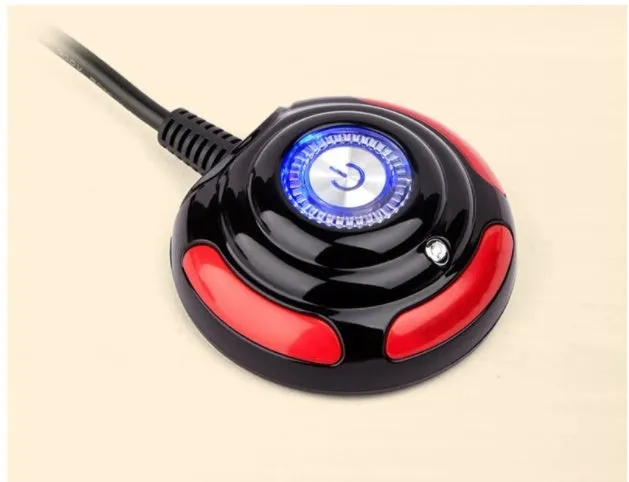
This computer desktop switch, or main box, is a straightforward hardware component designed to give users direct manual control over a computer's power state. It is presented as a brand-new unit built from plastic and metal, finished in a practical black and red colour scheme. The core function centres on its physical buttons: a primary on/off switch for cutting and restoring mains power, and a dedicated reset button for forcing a system reboot without needing to access the computer's case. This makes it a relevant piece of kit for environments where quick, external access to these functions is beneficial, such as in internet cafes for customer management, in office server or workstation clusters, hotel business centres, or even organised home desktop setups.
Features and Construction
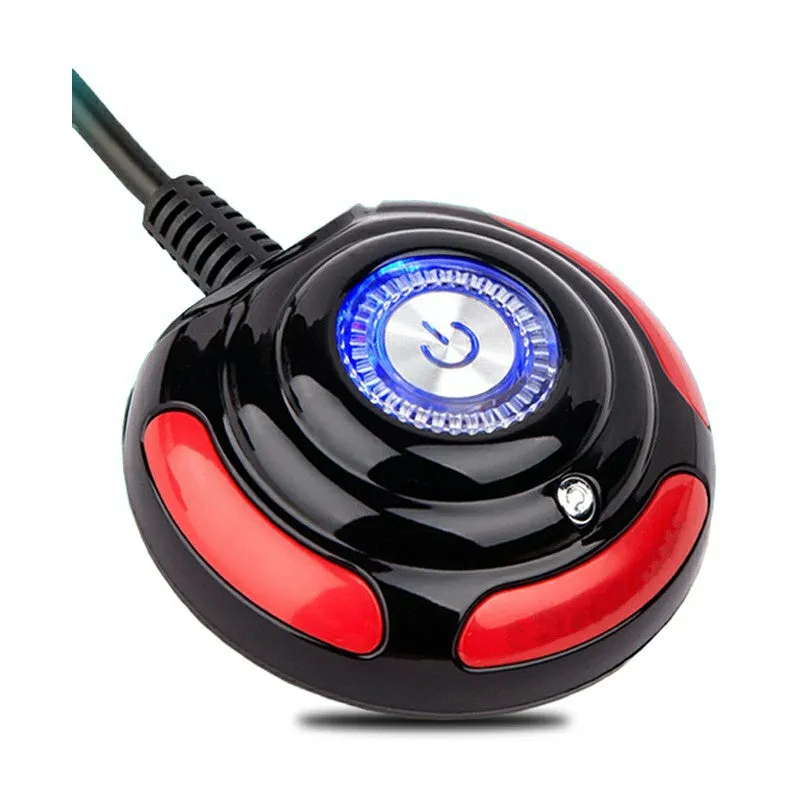
The switch offers a set of clear, physical controls and a design aimed at practical installation. Its feature set is defined by the need for reliable, manual intervention in power management scenarios.
Material and Build
The switch housing is constructed from a combination of plastic and metal. The plastic elements likely form the main external casing, providing a lightweight and cost-effective enclosure. The inclusion of metal suggests its use for internal structural components or, more critically, for the electrical contacts within the switching mechanism, which require durability for repeated use. The two-tone black and red finish offers a basic, high-contrast visual identification for the buttons and unit.
Size and Practical Fit
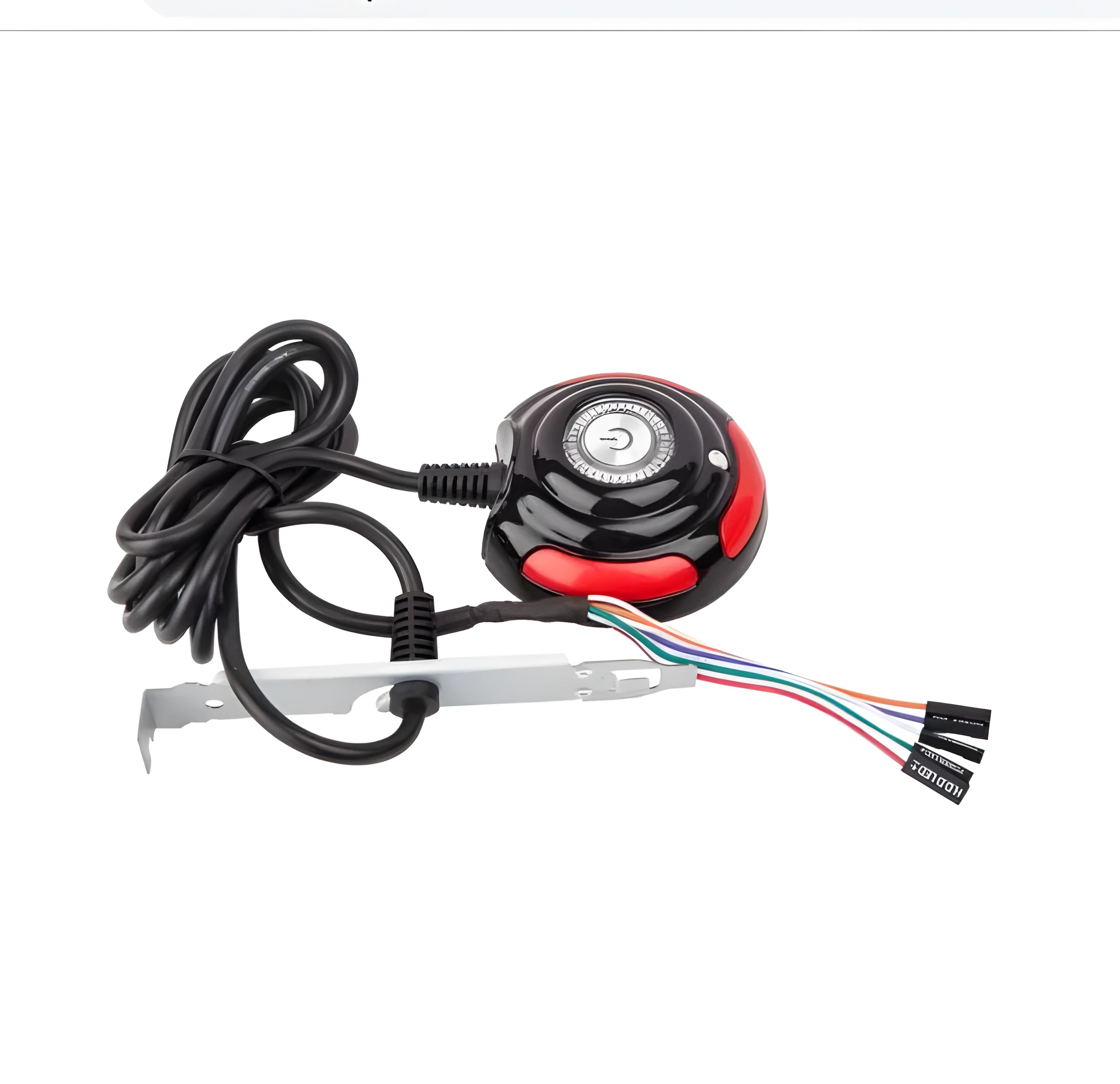
A key practical specification is the integrated cable, which measures 1.6 metres (approximately 63 inches) in length. This provides significant flexibility in where the switch box can be positioned relative to the computer tower or power supply it controls. It allows for placement on a desk surface, mounting on a rack, or attachment to a kiosk frame, enabling the user to position it for both convenience and security. The described "portable design" and mention of being "easy to install and not theft" indicate a form factor and potential mounting options that facilitate secure fixing to deter casual removal.
Uses and Placement
This product's utility is tied to environments where direct, external power control of a computer is operationally useful or necessary. It bridges a gap between the computer's internal power button and remote management software.
Event or Professional Use
In commercial or multi-user settings like internet cafes, gaming centres, or office IT suites, this switch allows staff or administrators to easily power cycle specific machines without opening cases or crawling under desks. The reset button is particularly valuable here for clearing software lock-ups. In hotel business centres or library computer stations, it can serve as a managed point for daily shutdowns or troubleshooting. The design that hinders theft is a relevant consideration in such public or semi-public spaces.
Everyday Home Use
For home users, this switch can simplify power management for a desktop PC, especially if the computer case is placed in an awkward location under a desk or in a cabinet. The extended cable allows the switch to be positioned within easy reach. It can also be useful for builders or enthusiasts testing systems on an open bench, providing a safe and accessible hard power switch. It offers a physical alternative to software-controlled shutdowns or wake-on-LAN features.
Benefits and Buying Value
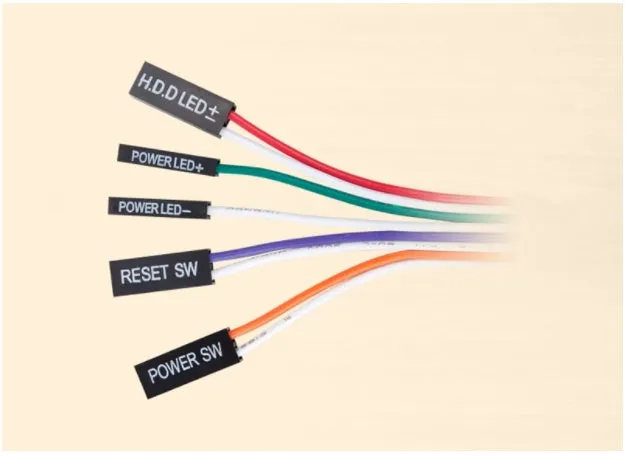
The value proposition of this desktop switch lies in its simplicity, direct functionality, and the practical problem it solves for specific user scenarios.
Reuse and Low Maintenance
As a basic electromechanical device with no complex circuitry or software, the switch has the potential for long-term use with minimal maintenance. Its operation is not dependent on driver updates or operating system compatibility. The use of metal for internal contacts is a practical choice aimed at enduring the wear of frequent switching. Keeping the unit clean and free from dust or liquid spills is the primary care required to sustain its function.
Why Choose This Product
This product addresses a clear niche: the need for an external, manual override for computer power and reset functions. Its advantages are its concrete specifications—the inclusion of both on/off and reset buttons, status indicator lights, and a useful 1.6-metre cable—which are all supported by the source text. It avoids being an overly complex or feature-inflated solution, focusing instead on providing reliable physical control where it is most needed, from a busy internet cafe to a organised home workspace.